Digital Tickets for Easy Travel in Hiroshima
MOBIRY TRAVEL


How to Use the
MOBIRY TRAVEL Services


Useful Features of
MOBIRY TRAVEL
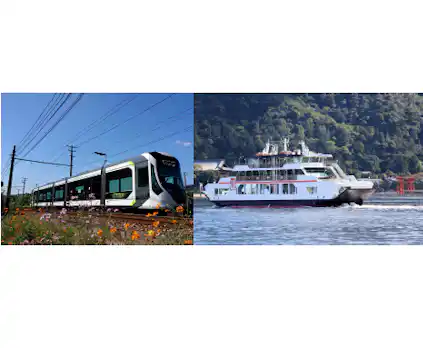
MOBIRY TRAVEL allows you to travel freely in Hiroshima City, Miyajima, and surrounding areas within a prescribed time.
- You can select from a wide choice of plans according to the length of your stay and your destinations.
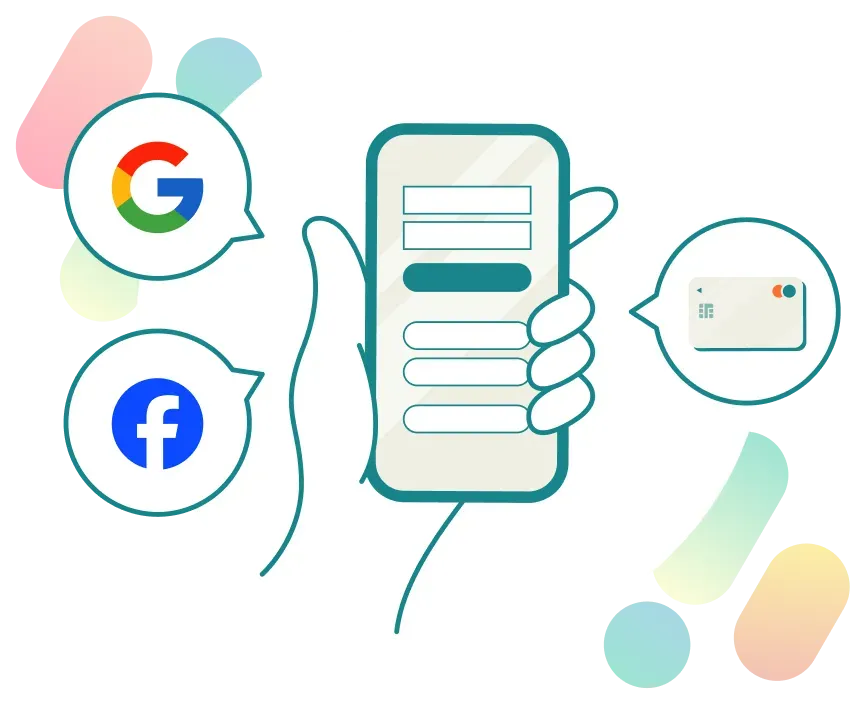
You can use MOBIRY TRAVEL without an app, so it’s easy to use and convenient!
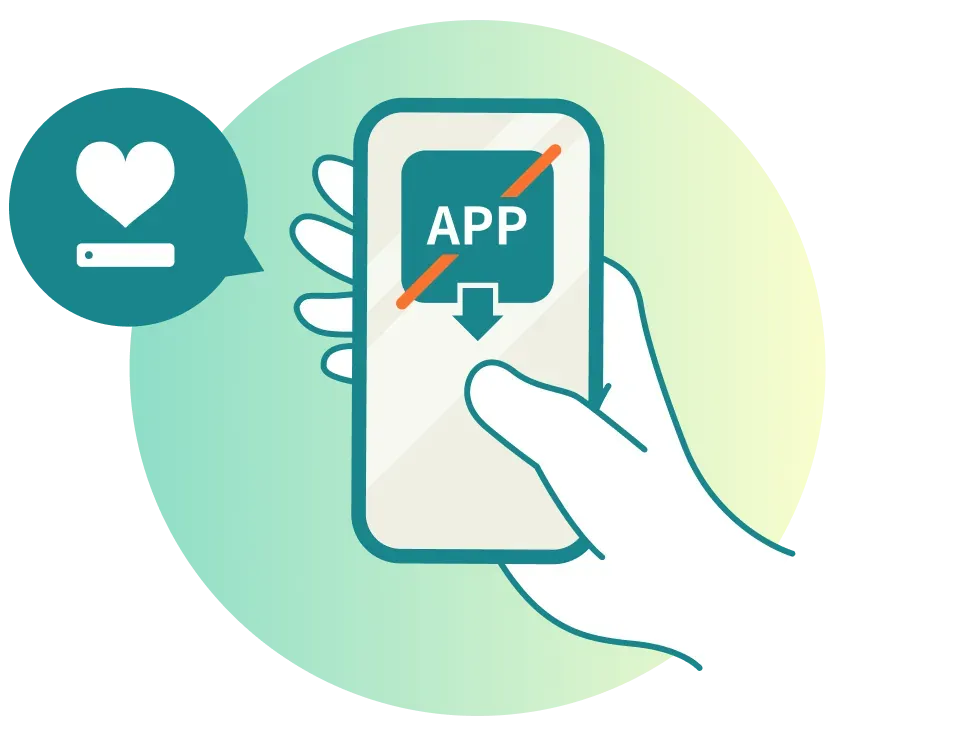
- You can also pay easily with a credit card.
- Buy tickets in advance so that all you must do on your trip days is just log in and show your smartphone screen!
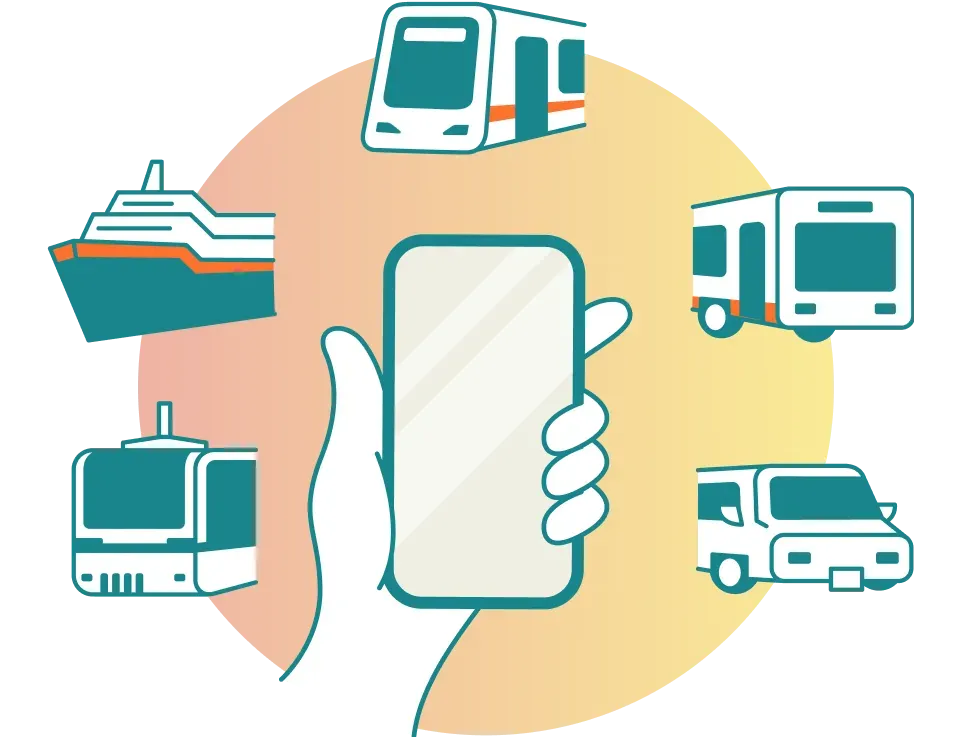
MOBIRY TRAVEL also features an integrated route-search function that combines a wide variety of transportation services.
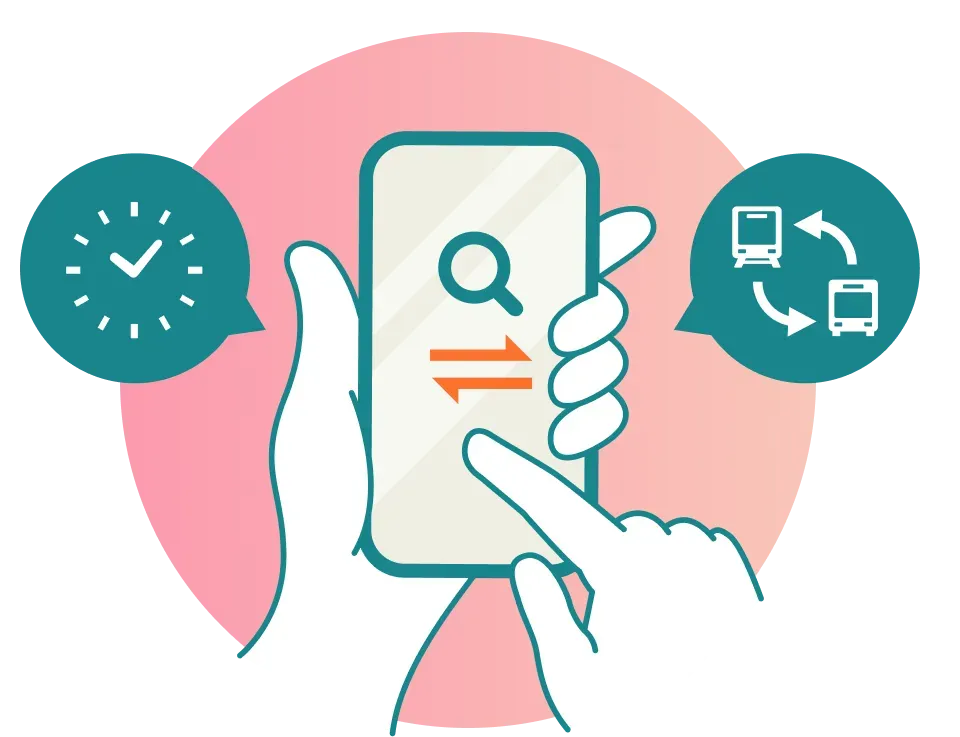
- You can search for routes that use not only a streetcar and bus but also a bicycle sharing service and other means.
MOBIRY TRAVELFAQ
If you request a ticket refund, we will first issue a full refund for the original purchase amount and then charge a refund processing fee.
Please rest assured that you will not be charged twice.
Please note that the refund will be processed through your credit card, so please contact your credit card company regarding the timing of the refund.
MOBIRY TRAVEL determines ticket validity by displaying an animated time stamp obtained from the server. To prevent fraud, boarding and alighting using screenshots is not permitted.
We apologize for the inconvenience, but when alighting, please log in and present a valid ticket screen to the crew.
When you cannot receive an email for email-address confirmation upon user registration
The email for email-address confirmation is sent from the address [noreply@mobiry.firebaseapp.com].
Please confirm that your email settings accept emails from the above address.
This problem may be caused by the filtering setting of your inbox.
Please change the filtering setting so that emails from the above address are not filtered out, and then log in to the website of MOBIRY TRAVEL.
After logging in, you will receive an email with the subject “Confirmation of your email address registered with MOBIRY TRAVEL” at your registered email address. Then, tap the URL shown on the body of the email to complete the authentication of your email address.
When you cannot receive receipts or other emails
These emails are sent from the address [info-noreply@mobirytravel.jp]. Please confirm that your email settings accept emails from the above address.
When you cannot receive emails from the MOBIRY TRAVEL secretariat
These emails are sent from the address [maas@hiroden.co.jp]. Please confirm that your email settings accept emails from the above address.
To purchase and use digital tickets, you need a smartphone (with an Internet connection) and a credit card.
The MOBIRY TRAVEL services are provided via the browser on your smartphone, so you do not have to download any mobile app.
If a group of up to 10 persons travel together, tickets for them can be bought and used on the smartphone of a representative.
Example: Case of two adults
- When you buy tickets, select “Two adults.”
- When you use the tickets, a “Two adults” indication appears on the ticket screen of your smartphone.
[Notes]
- Tickets bought for multiple persons on one smartphone cannot be distributed to other users.
- Tickets bought by selecting “Two adults” cannot be used by one person on two separate occasions.
You can cancel your membership by logging in to MOBIRY TRAVEL and selecting “Confirm Registration Information” at the bottom of the page.
To cancel your membership, check the “I agree to the above” checkbox and press the “Cancel My Membership” button.
- Your name, email address, password, and registered credit card information will be deleted.
- Once you cancel your membership, the tickets you have purchased become invalid, even despite being unused or in use.
When you purchase a digital ticket, a receipt is sent to the email address you provided.
Receipts cannot be reissued.